
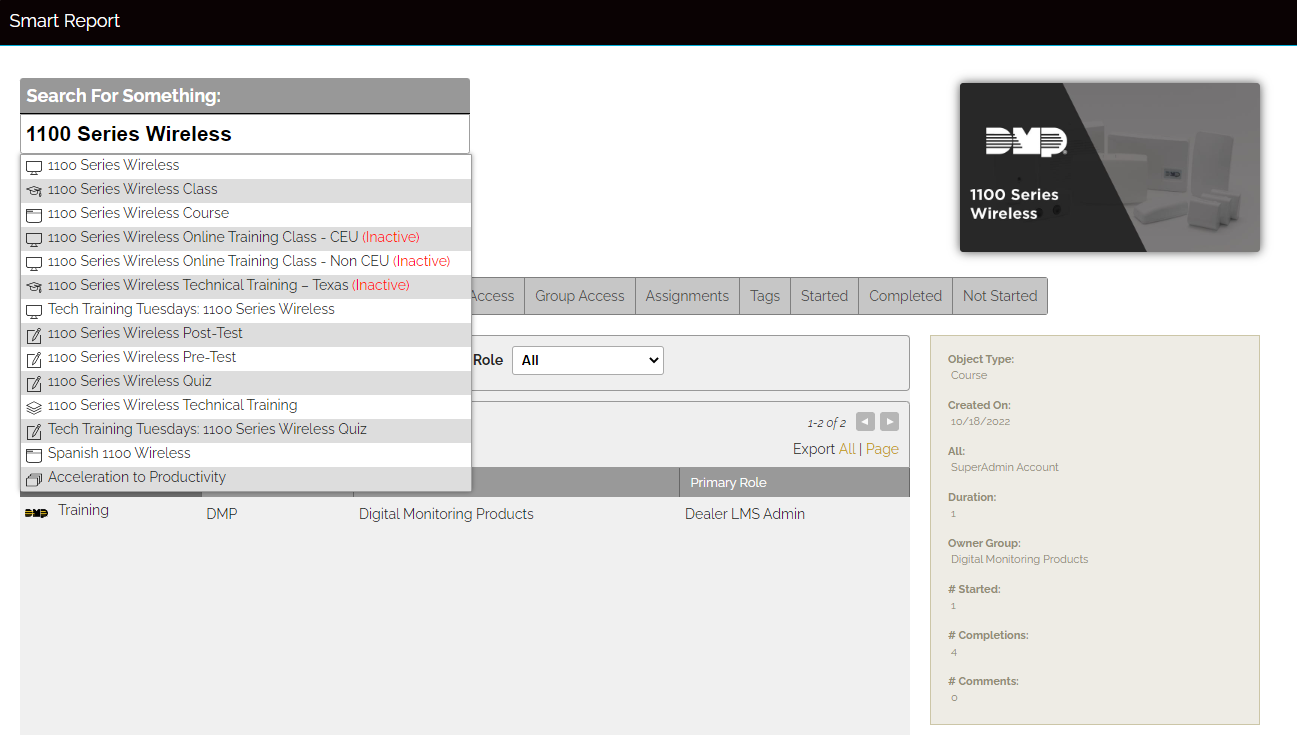
Smart Report performs like a search engine and will display results when entering content.
You can generate a Smart Report by completing the following steps:
-
Select the 🛠️ icon in the top right of the screen to access the Administration Dashboard.
-
Select Reports > Smart Report.
-
Enter the desired information into the search bar.
-
Select the result you desire.
-
View information generated by the report.
© Digital Monitoring Products, Inc.